
“Let’s Grow Together
One Heart, One Community”
Educator: Ahmad Mohammadi
PhD in Transportation Engineering, York University, Canada
Open Learning Materials for Simulation of Urban MObility (SUMO)

Tutorials at One Glance
SUMO Traffic Simulator “Simulation of Urban MObility” Tutorials from SUMO Quick Start, SUMO Traffic Signal to SUMO Reinforcement Learning
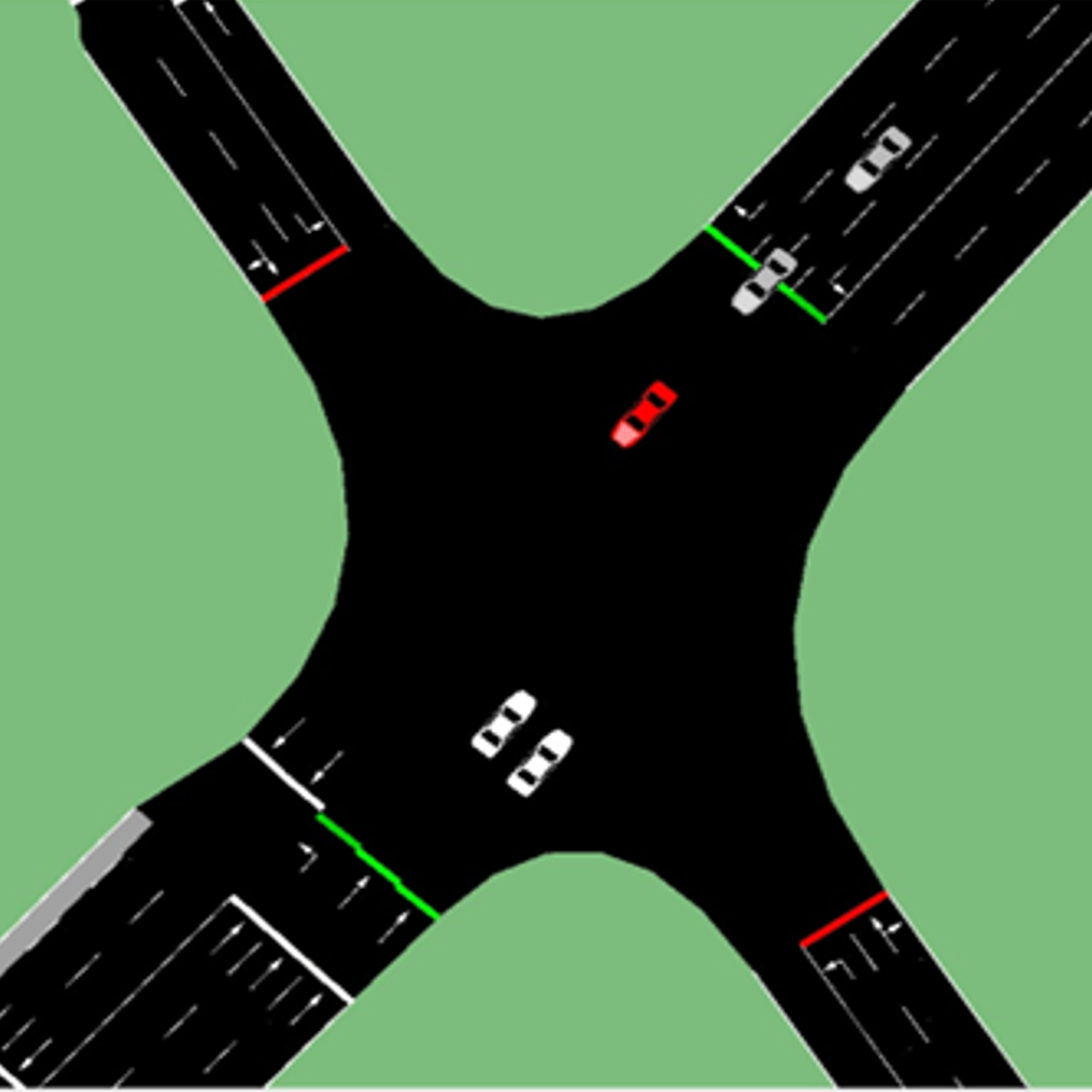
Part 1: SUMO Quick Start:
Set up a Basic SUMO Project and get familiar with SUMO User Interface

Part 2: SUMO NetEdit:
Import GIS Maps, Create Road Networks, and Add Traffic Volume.
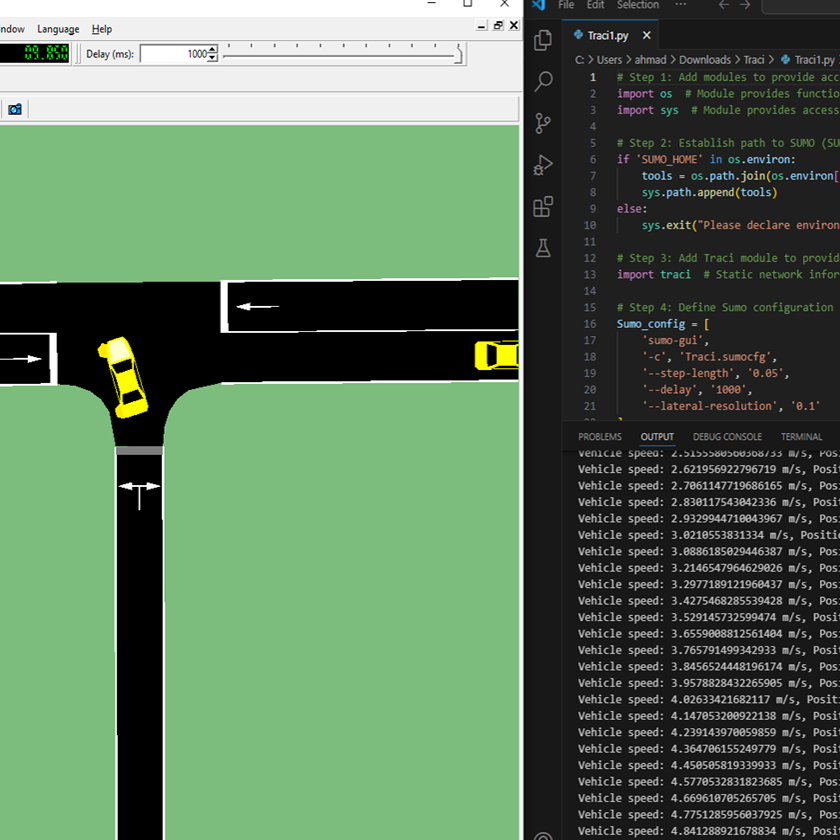
Part 3: SUMO Traci:
Control The Simulation from an External Tool for Signal Optimization and Other Advanced Tasks.
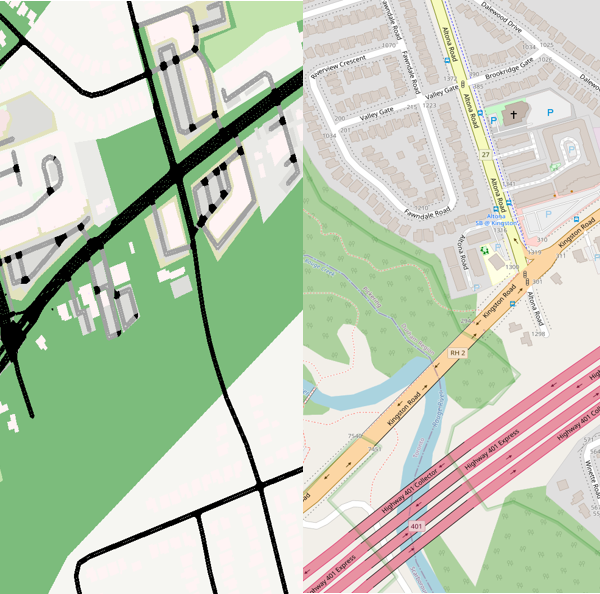
Part 4: SUMO NetConvert:
Convert and Refine Various Road Network Formats for SUMO including OpenStreetMap and OpenDrive.
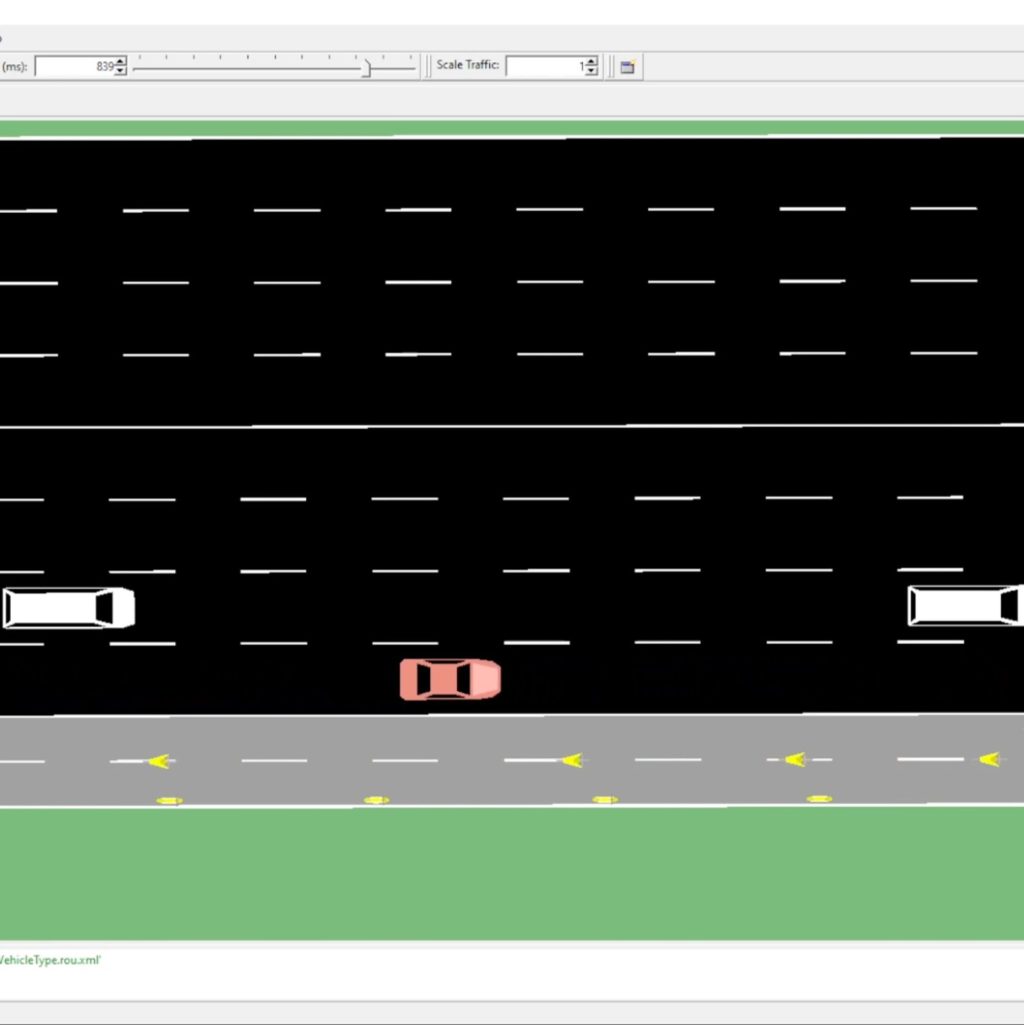
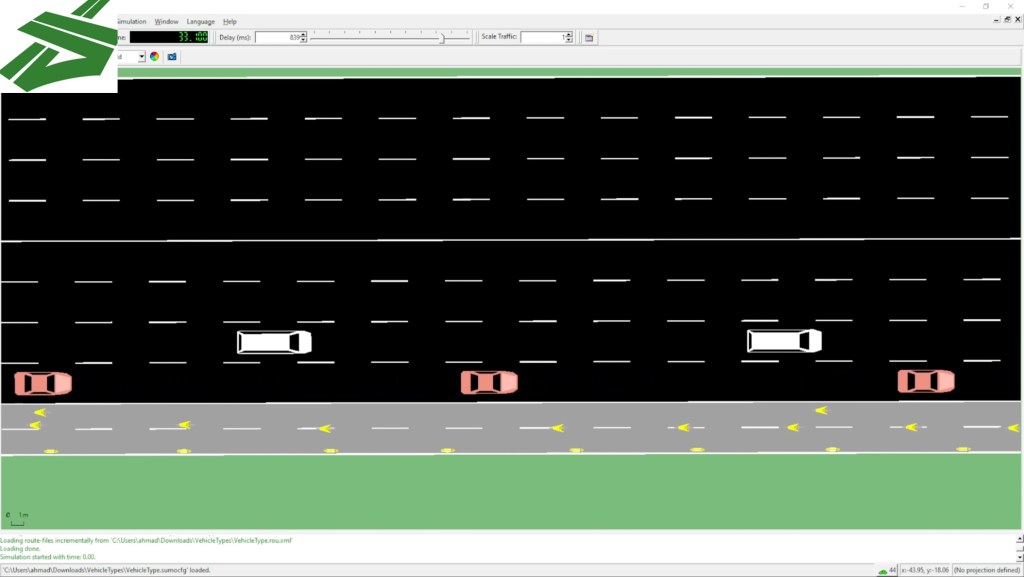
Part 5: SUMO Vehicle Types:
Explore Car-Following and Lane-Changing Models for Diverse Vehicles (Cars, Bikes, Scooters, etc.).

Part 6: SUMO And Immersive Technology:
Discover Cutting-Edge SUMO2Unity Application: A Virtual Reality Traffic Co-Simulation Tool To Improve Road Safety.
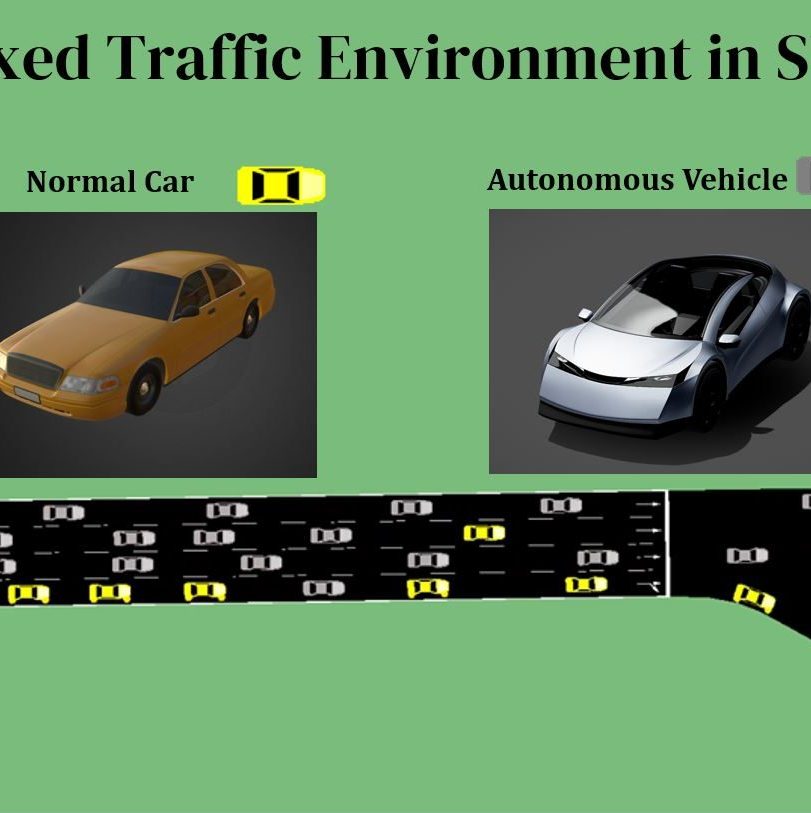
Part 7: SUMO and Autonomous Vehicles:
Learn Fundamentals of Connected and Autonomous Vehicles (CAVs) and Implementation in SUMO

Part 8: SUMO and Machine Learning:
Learn Fundamental of Reinforcement Learning Algorithms and Implementations in SUMO
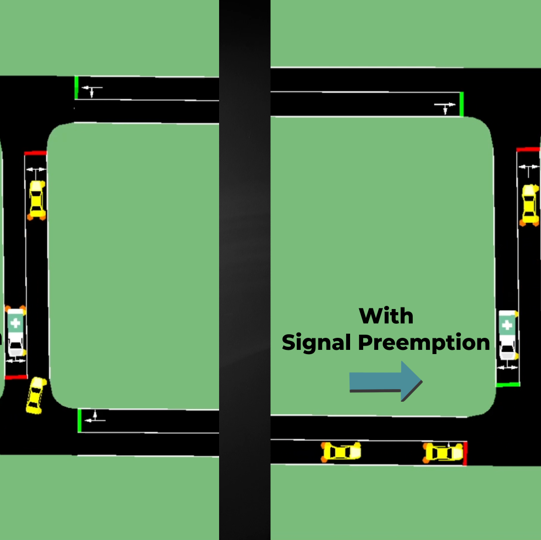
Part 9: SUMO and Emergency Management:
Learn Traffic Signal Priority/Preemption and Emergency Vehicle Behavior in SUMO

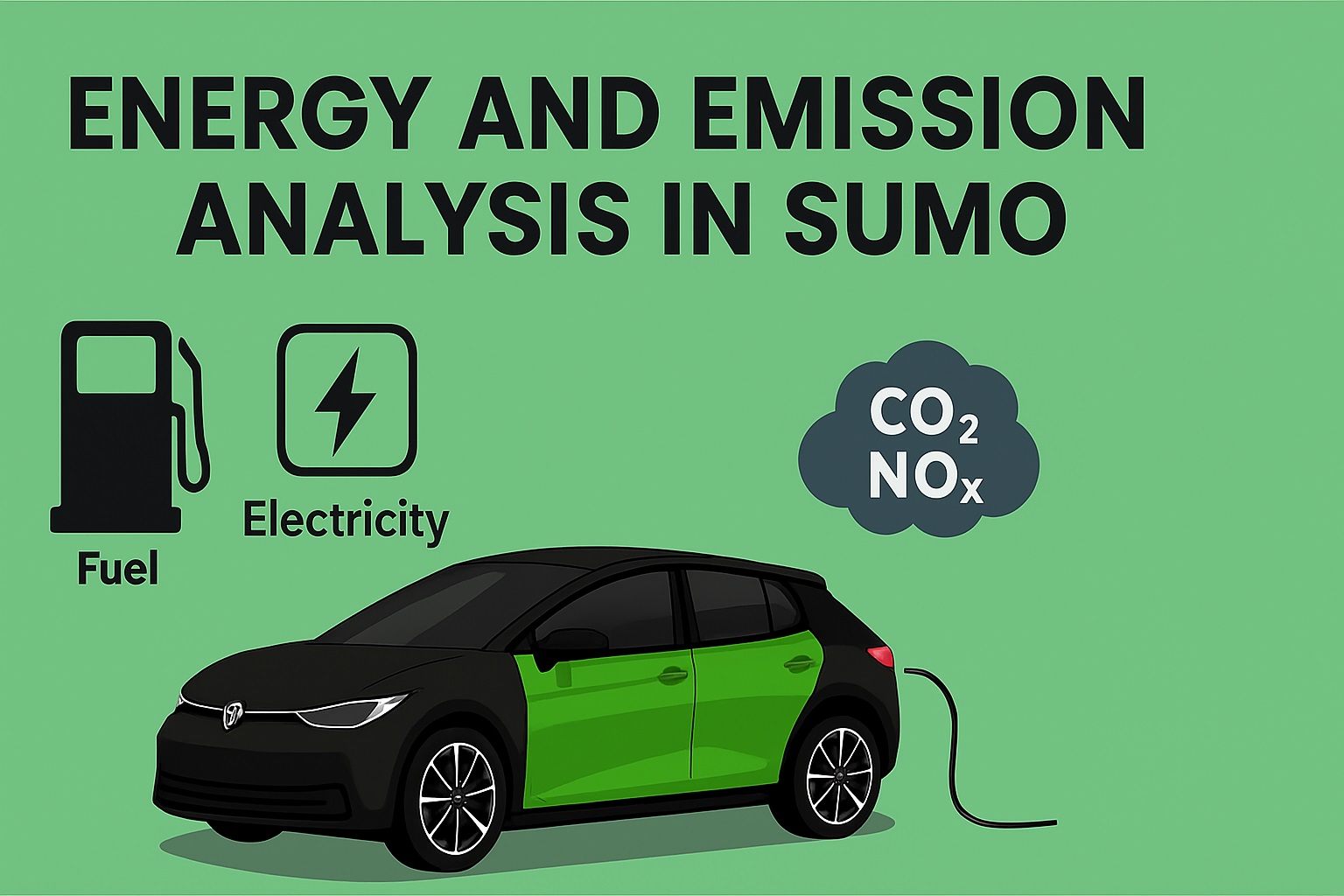
Part 10: Energy, Emission, and Electric Vehicle
Learn Fundamental of Energy and Emission in Combustion Engine Vehicle and Electric Vehicle in SUMO
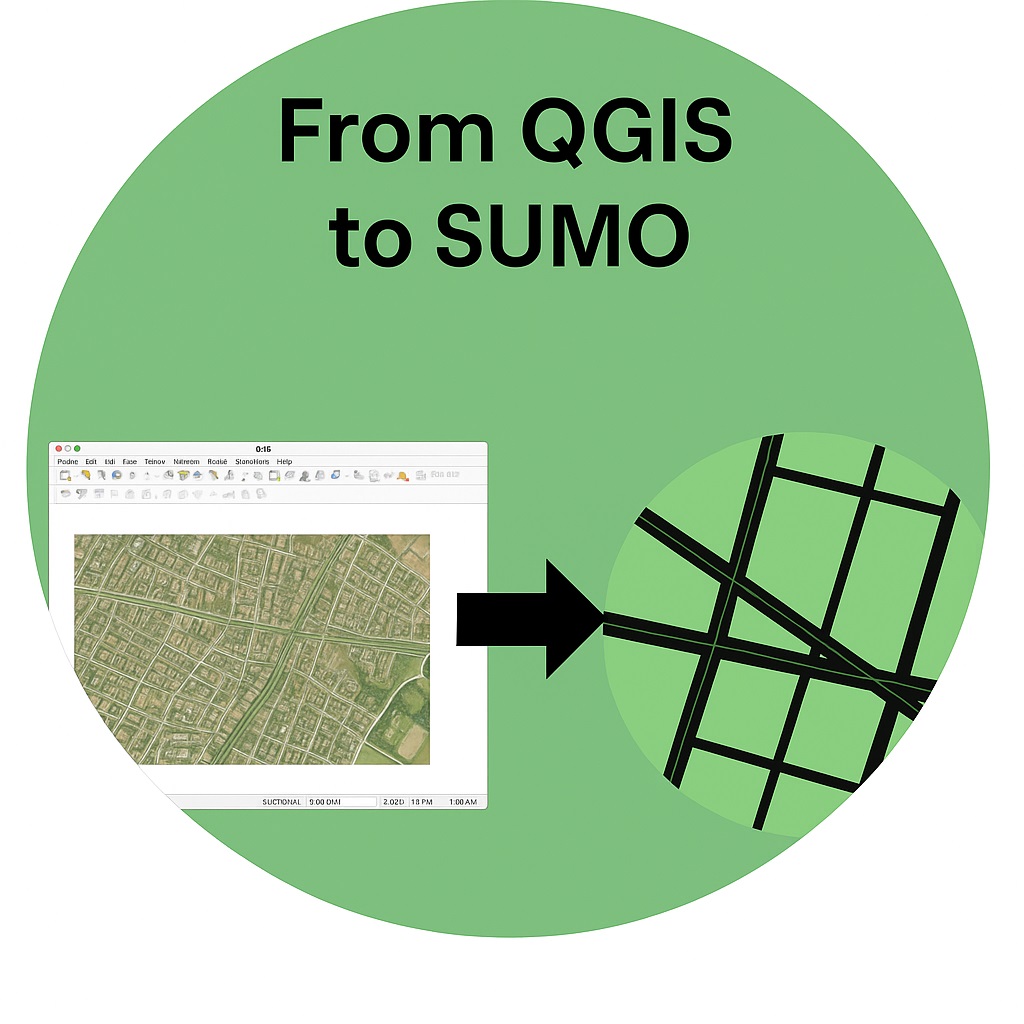
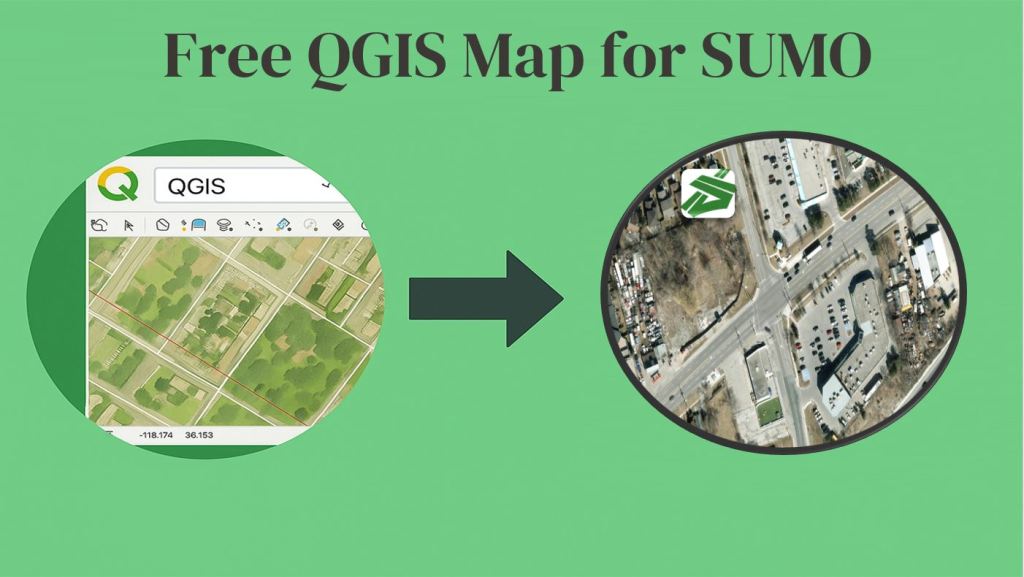
Part 11: From QGIS to SUMO:
Learn How to Get GIS Map (Aerial Imagery) from QGIS Software, Georefrencing it and Import in SUMO
SUMO Basic Tutorials
SUMO Traffic Simulator “Simulation of Urban MObility” Tutorials from SUMO Quick Start, SUMO Traffic Signal to SUMO Reinforcement Learning
Part 1: SUMO Quick Start
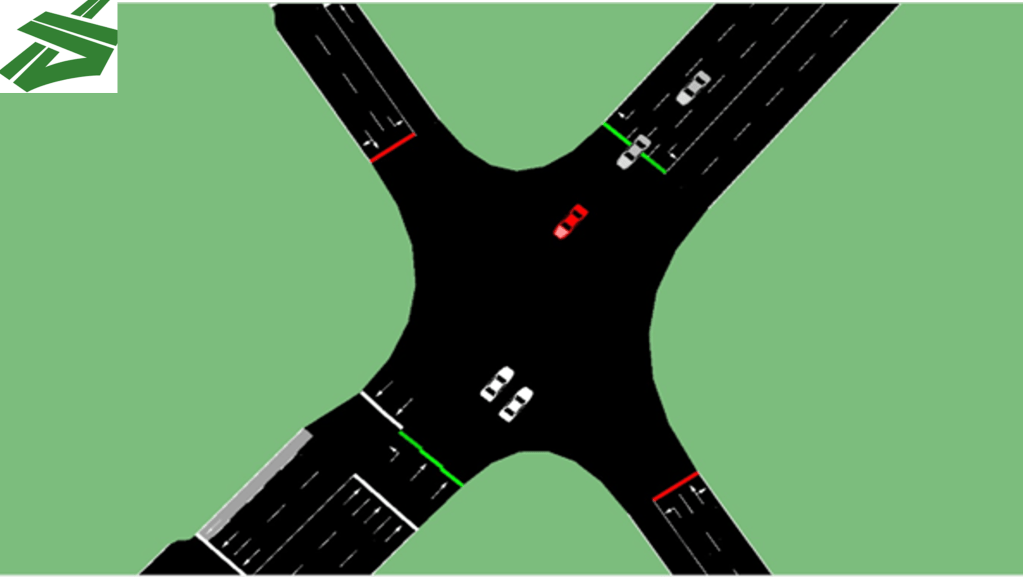


Part 5: SUMO Vehicle Types
- Passenger Car, Bicycle, Scooter (See Video)
SUMO Advanced Topics
SUMO Traffic Simulator “Simulation of Urban MObility” Tutorials from SUMO Quick Start, SUMO Traffic Signal to SUMO Reinforcement Learning
Part 6: SUMO and Immersive Technology


Part 7: SUMO and Autonomous Vehicles
Part 8: SUMO and Machine Learning Algorithms

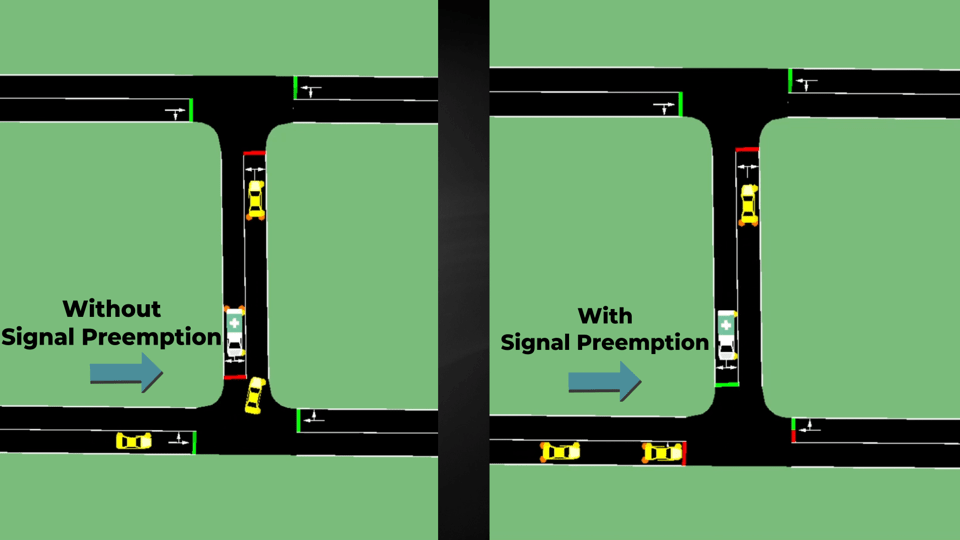
Part 9: SUMO and Emergency Management
- Intelligent Traffic Signal – Emergency Vehicle (See Video)
- Surrounding Car Reactions and Emergency Vehicle (Future Tutorial)
Part 10: Energy, Emission, and Electric Vehicle
 Roadway VR